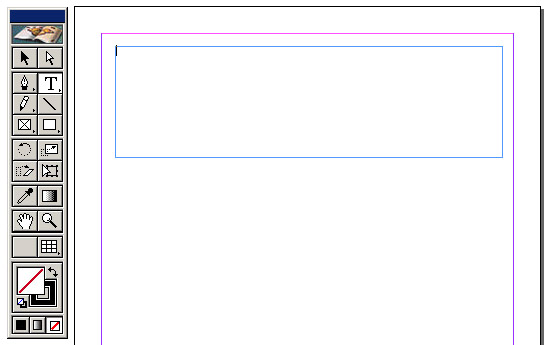
Using the type tool create a text frame
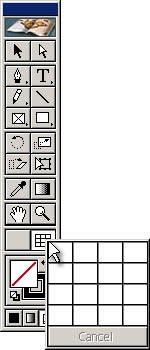
Click on the table tool
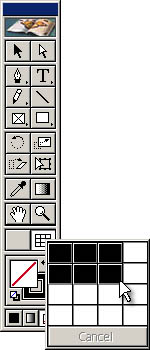
Hold and drag to indicate number of rows and columns
A table is created.
QUESTIONS:
None at this time, please feel free to comment on any part of this process.
Step 1
Choose the type tool. Create a text frame.
Step 2
Click on the "table tool", hold and drag the mouse.
Step 3
As the user drags with the mouse the size of the table is determined by the area highlighted in black.
The end result is a table on the page, as below (note: the example below is the width of the text frme, but not the height)
