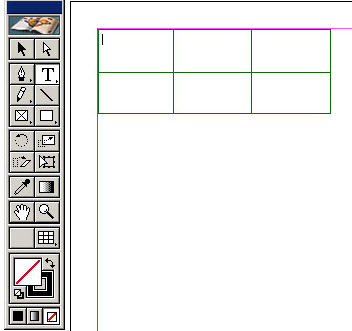
Click and drag the tool to get the size of table you want.
A table is created.
QUESTIONS:
None at this time, please feel free to comment on any part of this process.
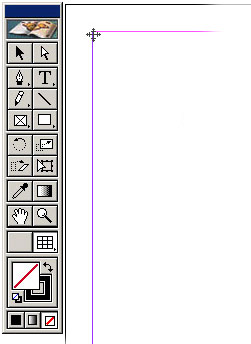
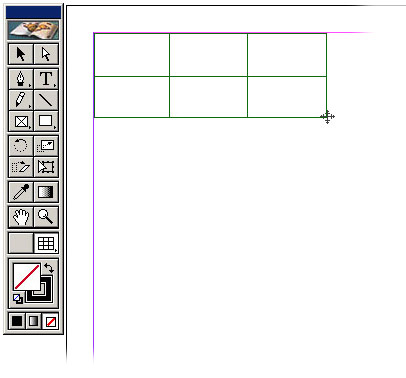
Step 1
In this example after the tool is selected, the user is able to "click and drag" the table cursor on the page. This causes a rectangle to appear creating the table. (note: appearance of table tool and table cursor to be defined)
Step 2
After releasing from the drag. The product returns to the text tool, and the cursor flashes in the upper left cell, ready to enter text. (note: appearance of table tool and table cursor to be defined)